5-minute quickstart
Create a project, connect an account, and produce your first multi-platform draft.
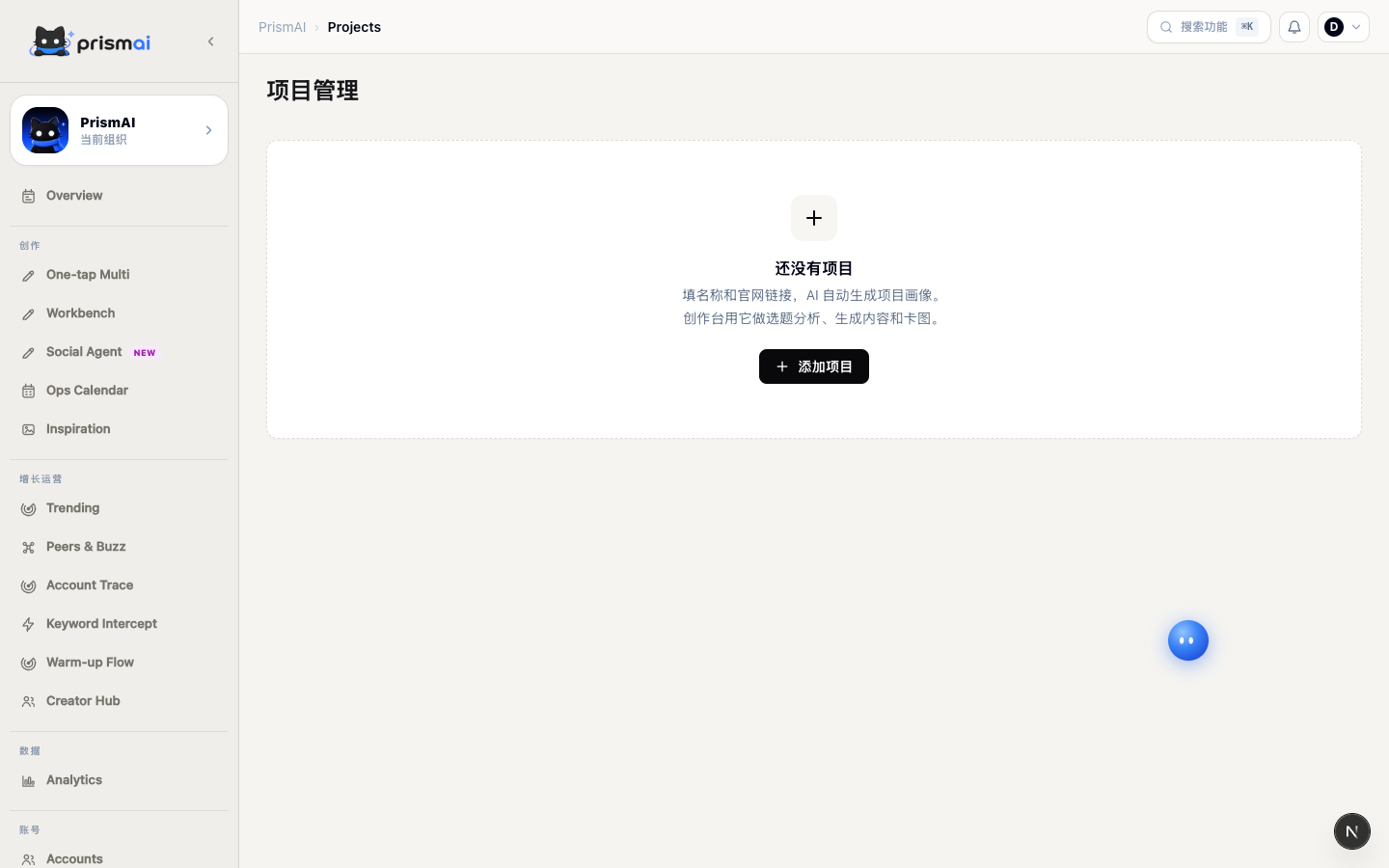
1. Create a project
Open Projects and add your brand, product, target audience, content objective, and communication boundaries. A project acts as reusable business context.
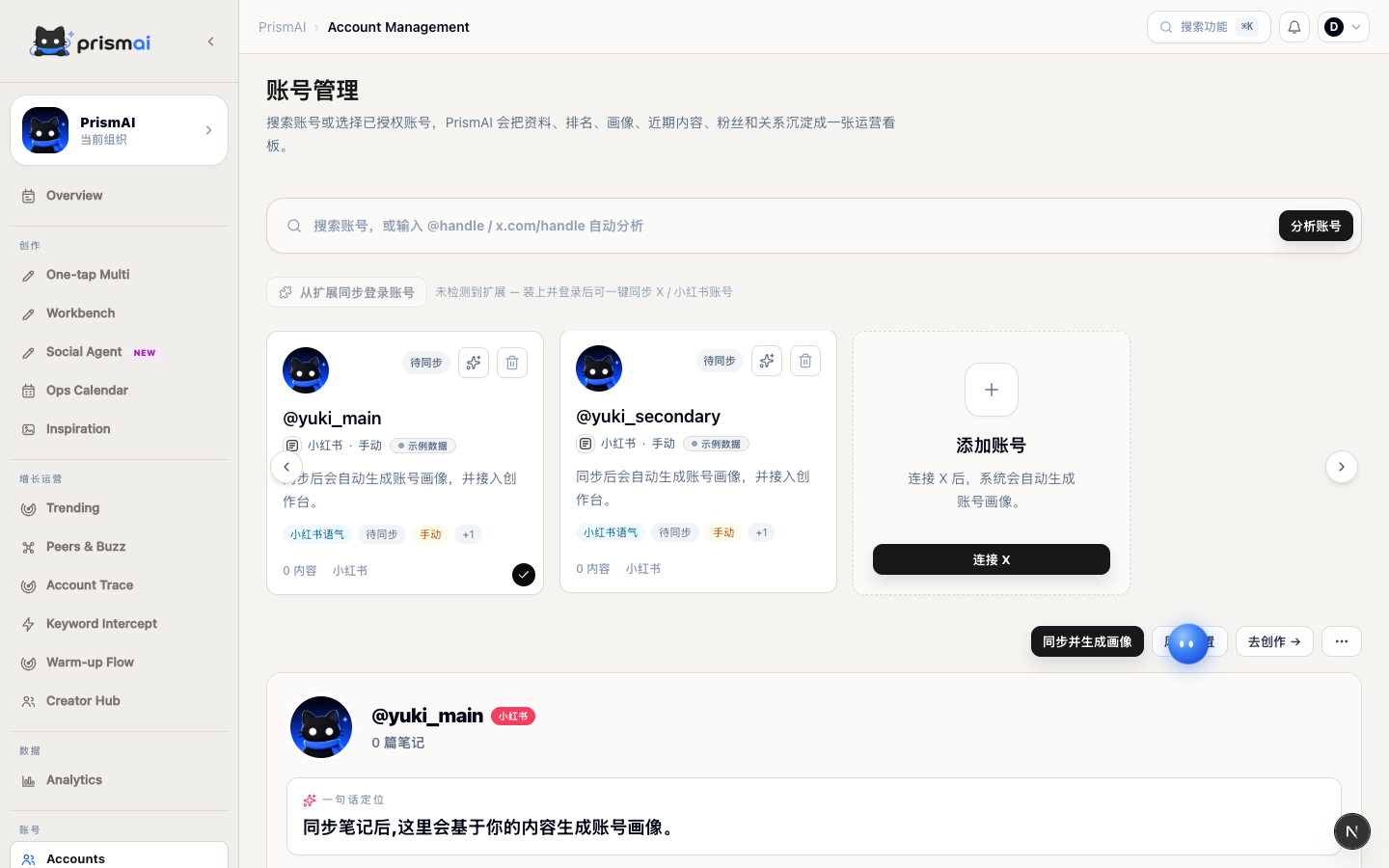
2. Add a content account
Open Accounts and add an account. After analysis, PrismAI summarizes topics, tone, sentence patterns, pacing, and engagement habits.
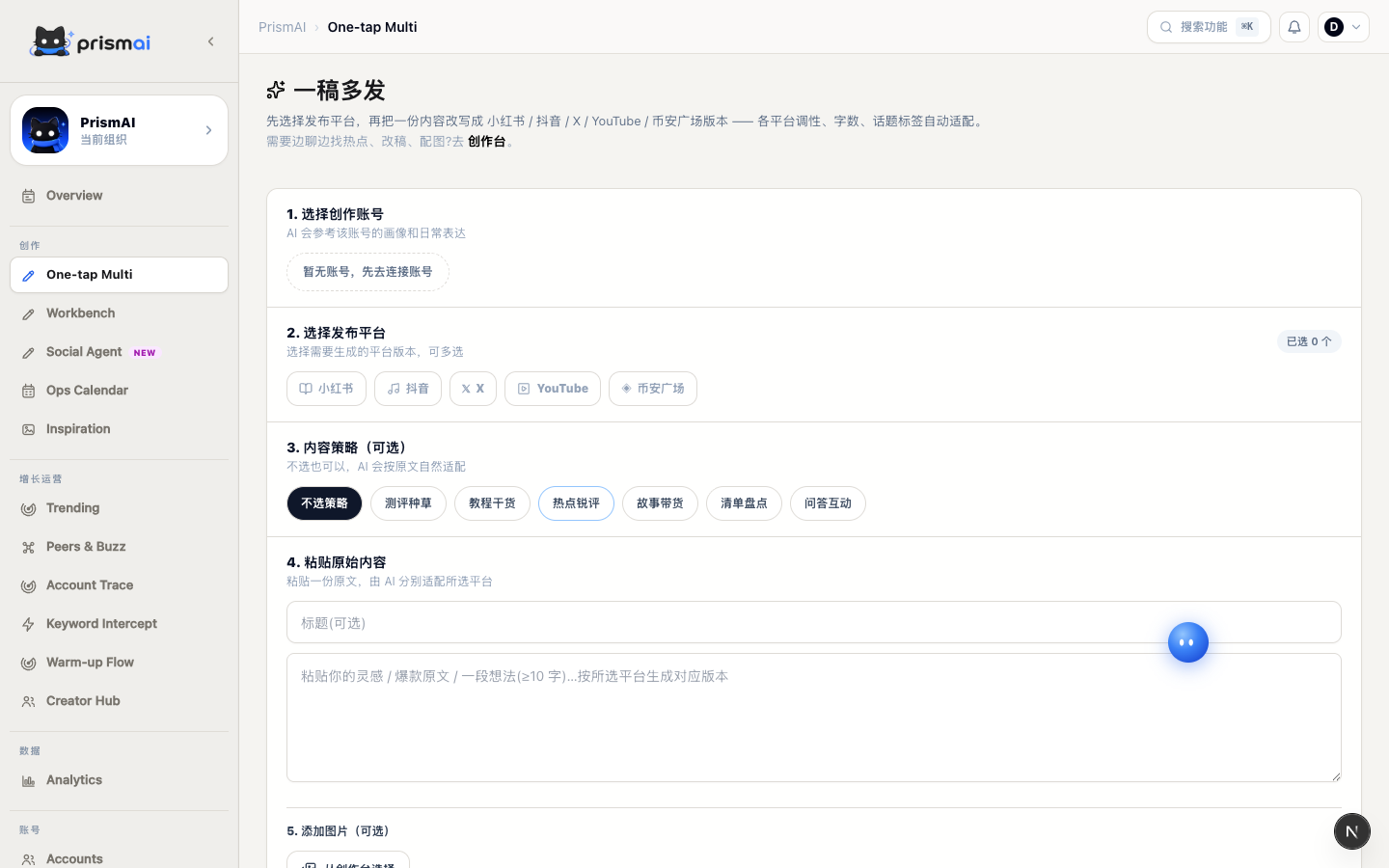
3. Generate your first content
Open One-tap Multi for a fast rewrite, or use Workbench for a guided workflow from trend and topic selection to editing and visuals.
- Choose a project and account.
- Enter an idea or source draft.
- Select target platforms.
- Review and edit each result.
- Save drafts or add them to the calendar.
What to configure next
Once the basic flow works, configure trends, peer radar, the operations calendar, and carefully scoped automation.
Completion criteria
The quickstart validates that project facts, account voice, and platform adaptation work together. Keep one human-edited result as a quality baseline for later work.
- Project fields contain no placeholders or expired information.
- The profile represents normal content rather than only viral posts.
- Every version preserves the same core facts and position.
- Title, body, and call to action fit the target platform.
- The draft is saved and available to the team.
If the first result is weak
Do not repeatedly regenerate without changing context. Locate the source of the deviation and update only that layer.
- Incorrect facts: update the project.
- Wrong voice: refresh the account profile.
- Generic content: specify audience, situation, and intended conclusion.
- Weak platform fit: complete one platform before selecting several.
- Good structure but awkward language: keep the structure and revise locally.