
Projects and brand context
Turn brand, product, audience, and content boundaries into reusable creation context.
How projects work
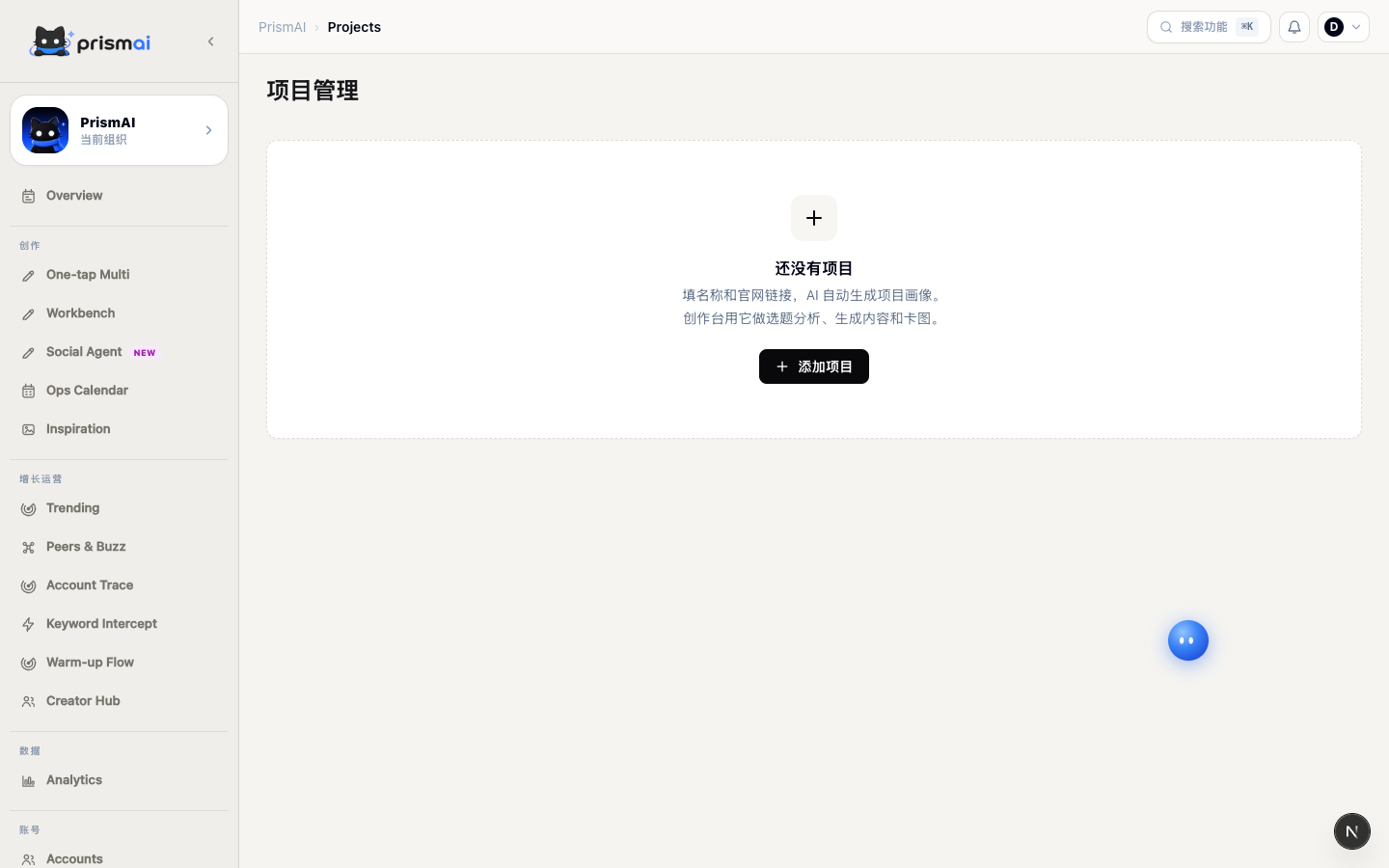
A project is more than a folder. It supplies business context to trend evaluation, topic analysis, Workbench, and One-tap Multi.
Use one project for a brand, product line, campaign, or durable operating theme.
What to document
Be specific and actionable rather than writing broad goals such as “reach young users.”
- Product: problem, capabilities, usage, and differentiators
- Audience: user type, stage, pain points, and decision factors
- Objective: acquisition, education, conversion, or community
- Boundaries: claims, sensitive topics, and required terminology
Projects and accounts together
A project defines what to communicate and why; an account profile defines how to communicate it. Select both when you need brand context and a consistent voice.
Maintenance
Review project context when products, pricing, audiences, or brand boundaries change. Remove expired campaign details.
Never store passwords, API keys, customer data, or confidential material in project context.
Project quality standard
A new team member should understand the product, audience, and communication boundaries from the project alone. Use verifiable facts and separate durable context from campaign-specific instructions.
- Explain the user, problem, and actual product capability.
- Describe differentiation against a real alternative.
- Document audience situation, motivation, objection, and decision factors.
- Tie content objectives to an observable user action.
- Record regulated language, sensitive claims, and prohibited terms.