
Calendar and publishing
Put drafts, accounts, platforms, status, and timing into a reviewable plan.
What the calendar manages
Use the calendar for ideas, drafts, review-ready content, scheduled posts, and completed work. Filter by account to identify gaps or overloaded days.
Create a schedule item
Choose a date and add the operating details. The body can remain empty until creation is complete.
- Choose platform and status.
- Add a clear internal title.
- Set publishing time and account.
- Attach the draft and media.
- Run a final pre-publish check.
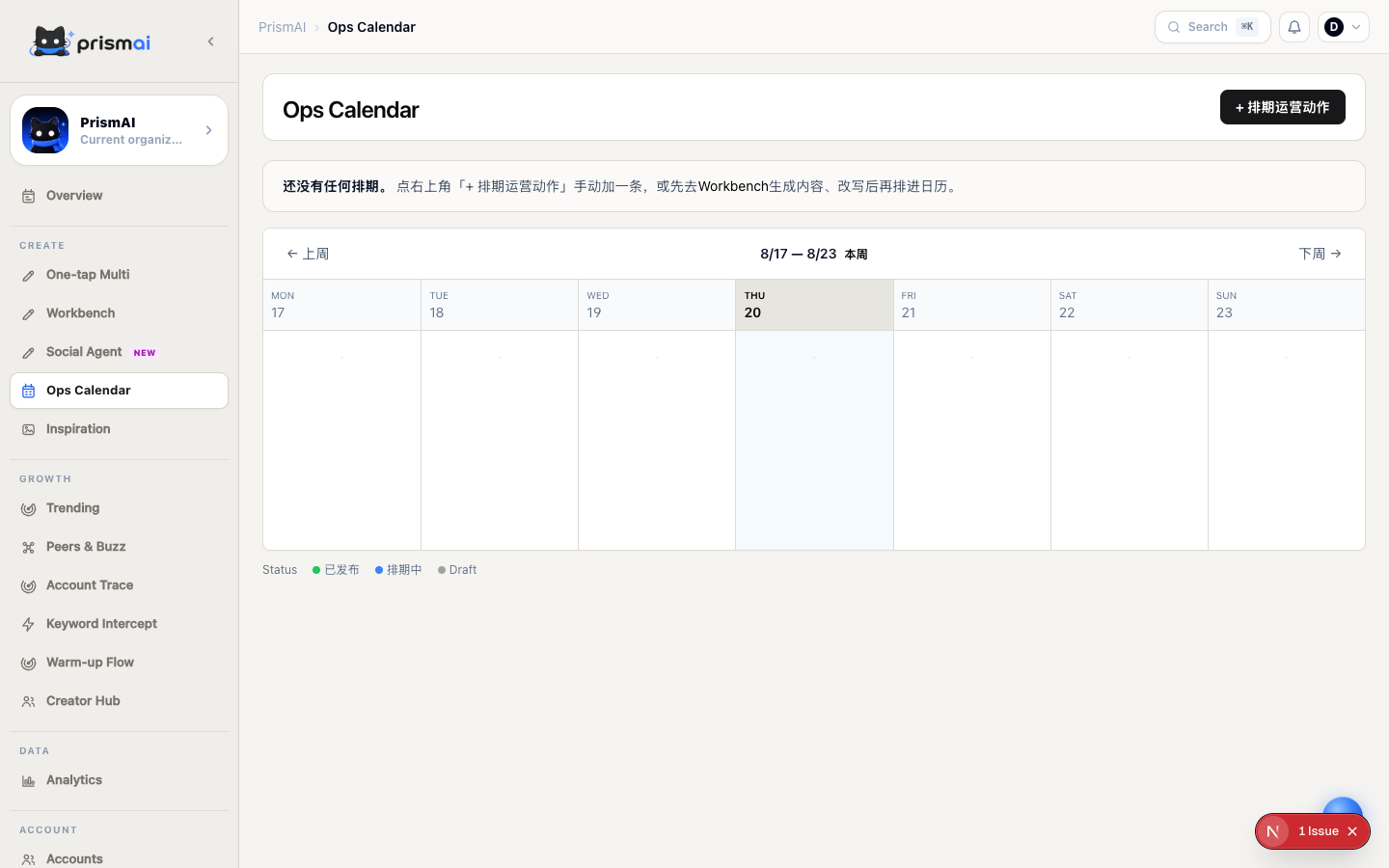
Use statuses consistently
Define shared meanings for draft, in review, scheduled, and published so everyone understands ownership and readiness.
After publishing
Connect engagement metrics, review results in Analytics, and send strong content back to One-tap Multi for new platform versions.
Final pre-publish check
Review the actual platform version immediately before its scheduled time, not an earlier source draft.
- Platform, account, date, time, and timezone are correct.
- Title, body, tags, links, and attachments are complete.
- Media ratio, subtitles, safe areas, and cover text are readable.
- Facts, quotations, price, and campaign dates remain valid.
- Approval state and owner are explicit.
- Tracking links or campaign parameters are configured.